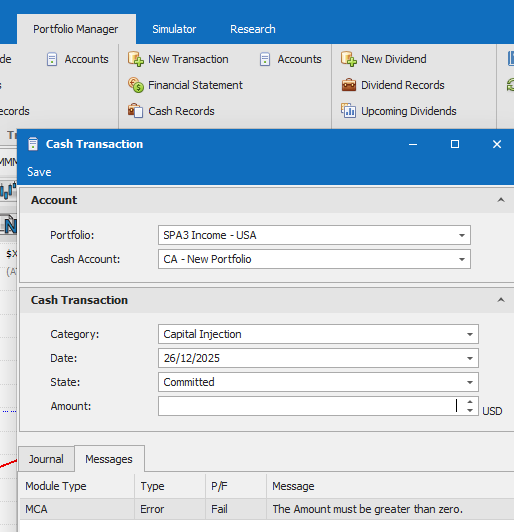
Be aware that there is a bug in the Next Position Size calculation if Open Profit At Risk is selected in the Money Management section of setting up / editing a Portfolio.
This is due the Open Profit At Risk calculation being incorrect in the Beyond Charts Portfolio Manager. This only applies for SPA3 Income, not SWS’s other systems.
Until fixed, it would be best to use Cash Balance / Vacant Positions.
You can either do the calculation manually for each new position until we fix the bug in Beyond Charts in mid January.
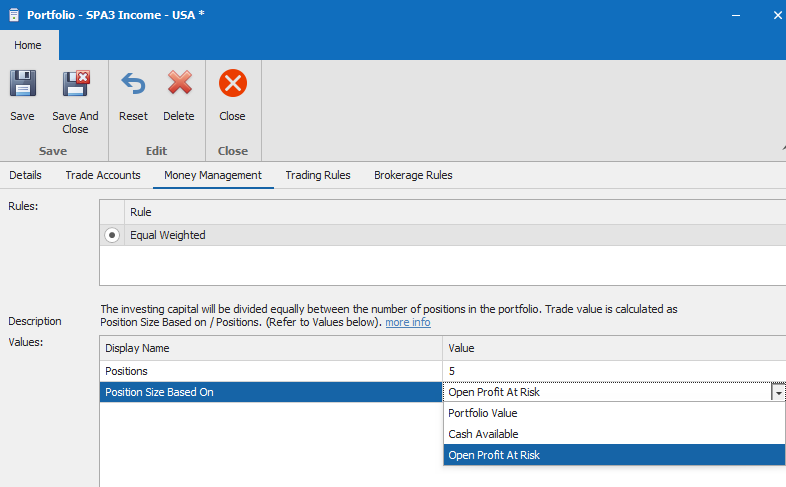
Or you can Edit the Portfolio from the Portfolio Manager tab, select Portfolios, and, in the Money Management section select Position Size Based On, select “Cash Available” instead of “Open Profit At Risk”.
This will correctly calculate the Next Position Size.
Ensure you do this for the new position in ROM to be opened in the next US trading session on 24 Dec 2025.